Introduction: How to Secure Email and Why It Matters for Small Businesses
Knowing how to secure email is a major concern for small and medium-sized businesses (SMBs) today. Cybercriminals often target smaller entities because they assume security is weak. However, you can protect your data without spending a fortune. In this guide, we will explore practical steps to harden your email infrastructure while keeping costs low. Small businesses often face the same threats as large corporations but with fewer resources. Therefore, you must be strategic about your security investments.
Protecting your communication is not just about technology. It is also about establishing a culture of safety. Many breaches occur because of simple human errors. Consequently, a well-rounded strategy must include both technical tools and employee awareness. If you follow the right steps, you can build a robust defense. Let us dive into the most effective ways to secure your email server on a budget.
How to Secure Email with Strong SSL/TLS Encryption
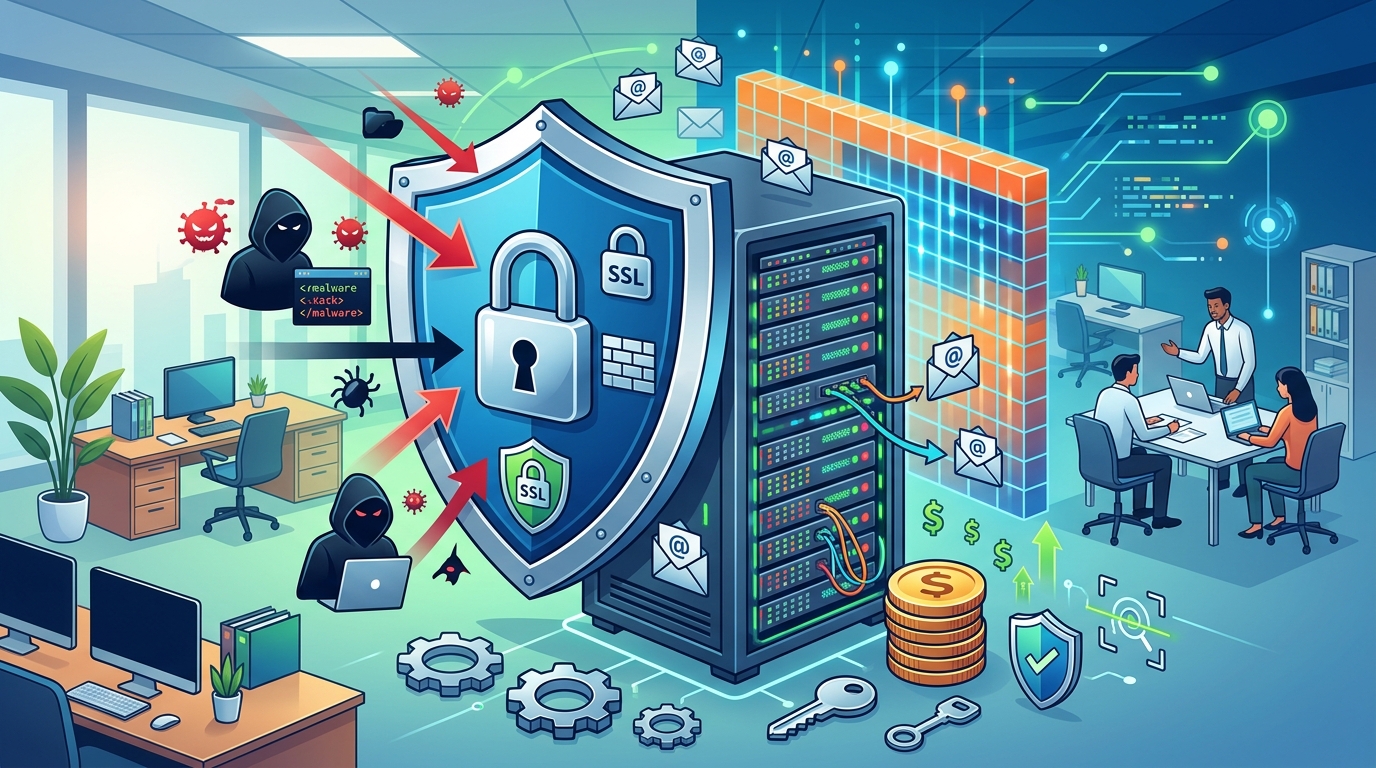
The first step in any security plan is to encrypt your data. Encryption ensures that hackers cannot read your messages even if they intercept them. This is where a reliable SSL Australia provider becomes essential for your business. An SSL certificate creates a secure tunnel between your server and the user’s device. Without it, your login credentials and sensitive emails are sent in plain text. This makes them easy targets for anyone on the same network.
Furthermore, you should consider the regional options available to you. Finding a reputable source for an ssl certificate australia can simplify your compliance and support needs. Modern SSL certificates are very affordable today. In fact, they are one of the most cost-effective security upgrades you can implement. Always ensure that your mail server configuration forces the use of TLS 1.2 or higher. Older versions of these protocols have known vulnerabilities that hackers can exploit easily.
Use Multi-Factor Authentication (MFA)
Passwords alone are no longer sufficient to protect your accounts. Hackers use sophisticated methods like brute force and phishing to steal credentials. Therefore, you must implement Multi-Factor Authentication (MFA) across your entire organization. MFA adds an extra layer of security by requiring a second form of verification. This could be a code sent to a mobile phone or a dedicated app. Even if a hacker gets your password, they still cannot access your account.
Most modern email platforms offer MFA as a built-in feature for free. As a result, this is one of the best low-cost ways to improve your security. You should encourage your team to use authenticator apps rather than SMS codes. SMS codes can be intercepted through SIM swapping attacks. On the other hand, app-based codes are much more secure. This simple change can reduce the risk of account takeover by over 99%.
Read More : Benefit Using SSL: Top Reasons to Secure Your Website
Leverage Open-Source Security Tools
Small businesses often struggle with high software licensing fees. However, the open-source community offers many powerful tools for free. For example, you can use Spamassassin to filter out malicious emails. This tool uses a variety of tests to identify spam and phishing attempts. In addition, ClamAV is a great open-source antivirus engine for mail servers. It scans incoming attachments for known malware and viruses.
Moreover, these tools are highly customizable. You can tweak the settings to fit your specific business needs. While they might require a bit more technical setup than paid versions, the cost savings are significant. You can find many online tutorials and community forums to help you with the installation. Using open-source software allows you to allocate your limited budget to other critical areas of your business.
Master Email Authentication Protocols
Another critical aspect of how to secure email involves authentication protocols. These protocols help prove that an email actually came from your domain. There are three main protocols you should implement: SPF, DKIM, and DMARC. SPF allows you to specify which servers are authorized to send mail on your behalf. DKIM adds a digital signature to your emails, which prevents tampering during transit.
Finally, DMARC brings everything together. It tells receiving servers what to do if an email fails SPF or DKIM checks. For instance, you can tell them to reject the email or send it to the spam folder. Implementing these protocols prevents hackers from spoofing your domain to send fake emails to your clients. This protects your brand reputation and keeps your customers safe from fraud. You can learn more about Wikipedia’s guide on email encryption and related protocols to deepen your understanding.
Regular Patching and Updates
Cybersecurity is an ongoing process, not a one-time task. Software developers constantly release patches to fix security holes in their products. Therefore, you must keep your mail server software and operating system up to date. Hackers often scan the internet for servers running outdated software with known vulnerabilities. If you ignore updates, you are essentially leaving your front door unlocked.
You should automate your update process whenever possible. This ensures that critical security patches are applied as soon as they are available. However, always test updates in a staging environment first to avoid breaking your system. Consistency is key here. A well-maintained server is much harder to breach than one that has been neglected for months. This habit costs nothing but time and provides immense value.
How to Secure Email Through Employee Awareness Training
The human element is often the weakest link in the security chain. No matter how much you spend on technology, one bad click can ruin everything. Therefore, you must educate your employees on how to spot suspicious emails. Phishing attacks are becoming increasingly sophisticated and hard to detect. Teach your staff to look for red flags like urgent language, strange sender addresses, and unusual requests.
In addition, run periodic phishing simulations to test your team’s readiness. These simulations provide a safe way for employees to learn from their mistakes. When an employee fails a test, provide them with immediate feedback and additional training. This proactive approach builds a culture of vigilance. An educated workforce is your best defense against modern cyber threats. It is a low-cost investment that pays off in the long run.
Conclusion: How to Secure Email for a More Resilient Strategy
Securing your email server on an SMB budget is entirely possible. It requires a combination of smart technology choices and consistent habits. Start by getting a high-quality SSL Australia certificate to protect your data in transit. Then, implement MFA to stop unauthorized access to your accounts. Do not forget to utilize free open-source tools and configure authentication protocols like DMARC.
Moreover, always remember that security is a journey. Keep your systems patched and your employees informed. By following these steps, you can create a secure environment that protects your business and your customers. You do not need a massive IT budget to stay safe. You just need to focus on the basics and remain vigilant against new threats. Start securing your email today and enjoy the peace of mind that comes with it.